Stable
Element
TranslatePress Language Switch
A language switcher for TranslatePress, rendered on the server.
View demo →
Vertical, alternating or horizontal timelines as a real ordered list, with optional scroll progress.
Topics: Accessibility · Content
Three layouts with a fallback breakpoint
Machine-readable dates with time
Images, icons and links per entry
Scroll progress fills the line
Keyboard-scrollable horizontal mode
Built as an ordered list, horizontal mode is a focusable scroll region with optional previous/next buttons.
No external requests. The script only loads when progress or navigation buttons are used.
Live demo
Everything below is the real element, configured in Breakdance. Try it with your keyboard, zoom in, or open the page on your phone.
Variant 1
The line fills up to the middle of the screen while you scroll, reached entries get the accent marker. Dates are machine readable, the whole timeline is an ordered list.
We review the current site, list every third-party request and run an accessibility check on the key templates.
Colors, type scale and spacing go into Breakdance global settings and design presets, so editors only pick from approved styles.
Templates, pages and dynamic content are built with native elements. Maps, videos and reviews use the privacy-first modules.
Keyboard, screen reader and mobile tests, plus a final scan for external requests before launch.
Go live, hand over documentation and train the client team in a one-hour session.
Variant 2
Entries alternate left and right on large screens and fall back to a single column on tablets. Images use the regular media library sizes.

Brutalist office blocks define the skyline of the inner city.
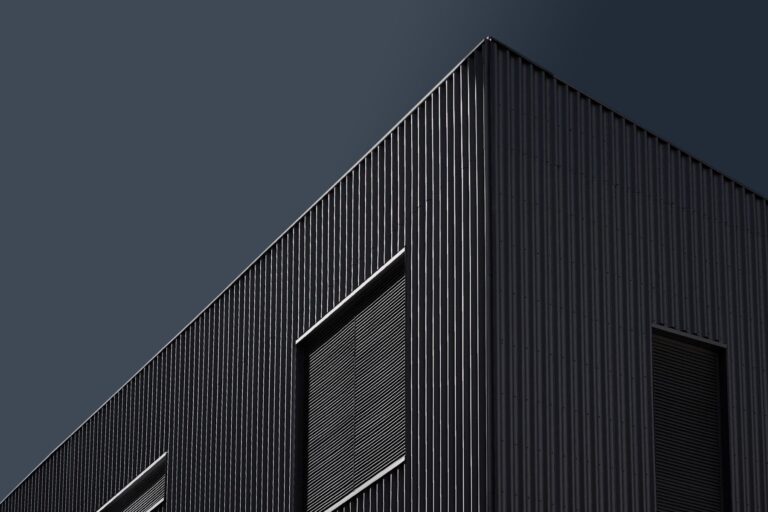
Neon facades turn the harbor district into a landmark after dark.
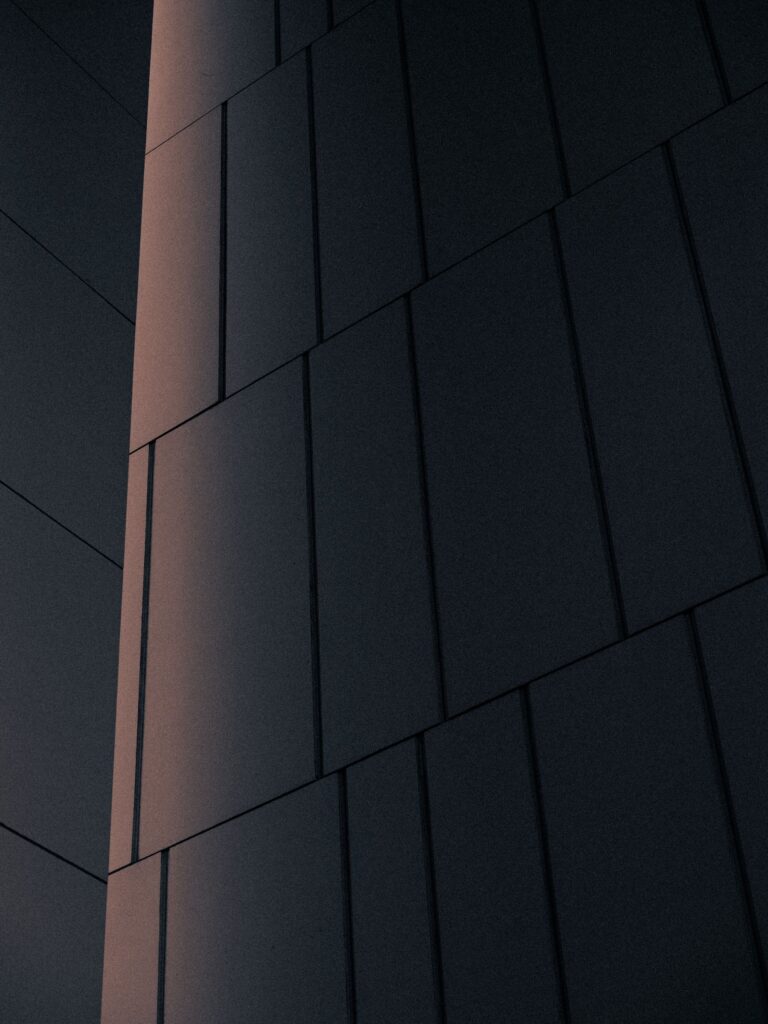
Minimal panel facades with integrated lighting become the new standard.
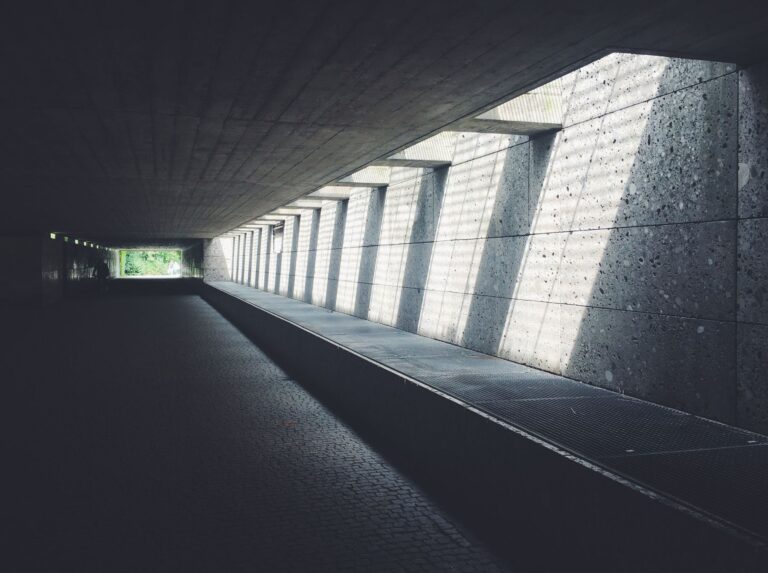
Restored buildings mix sharp lines with daylight and open courtyards.
Variant 3
A keyboard-scrollable region with previous and next buttons. Below 1024 pixels it turns into a vertical list.